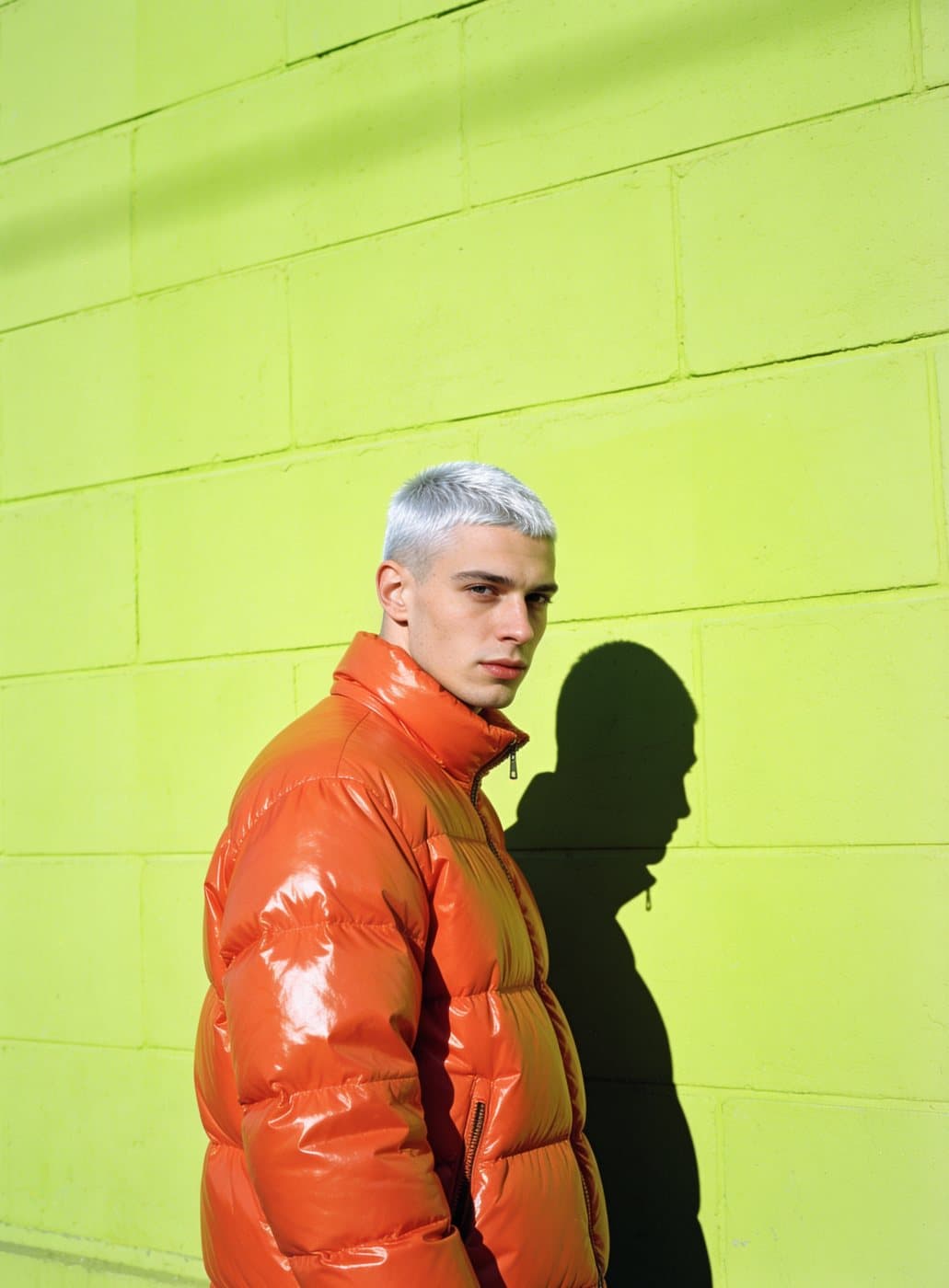
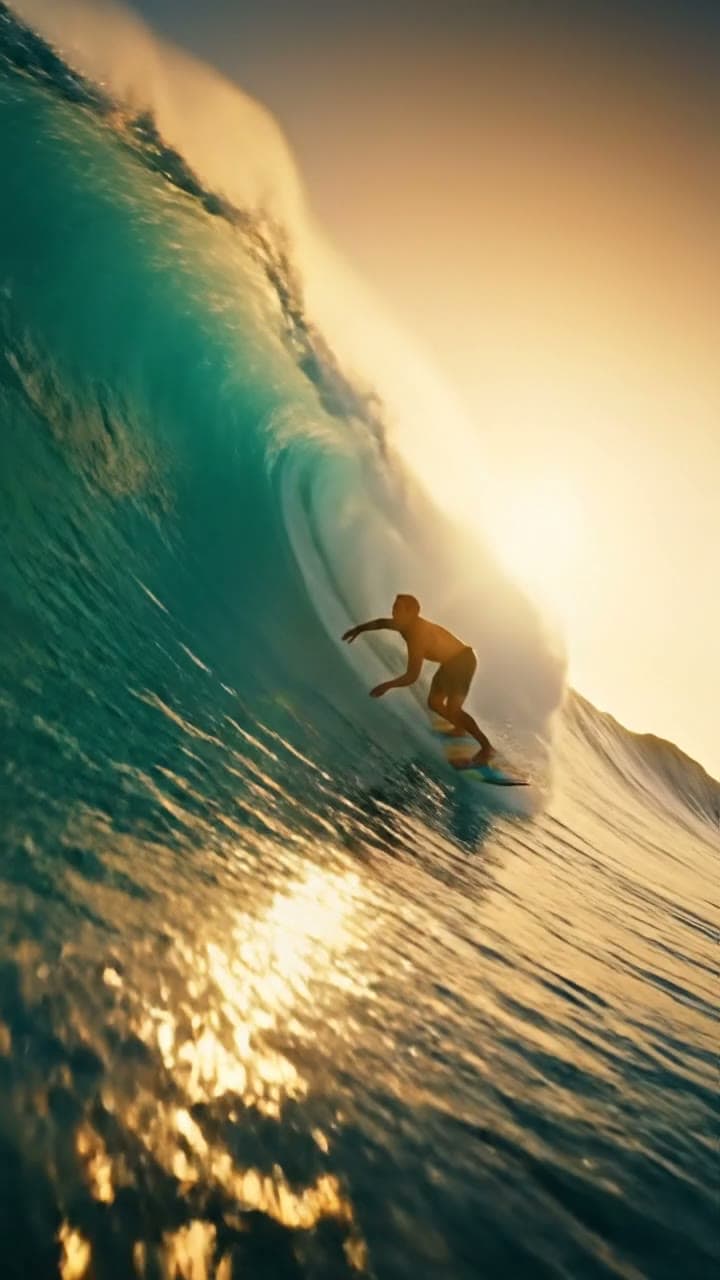
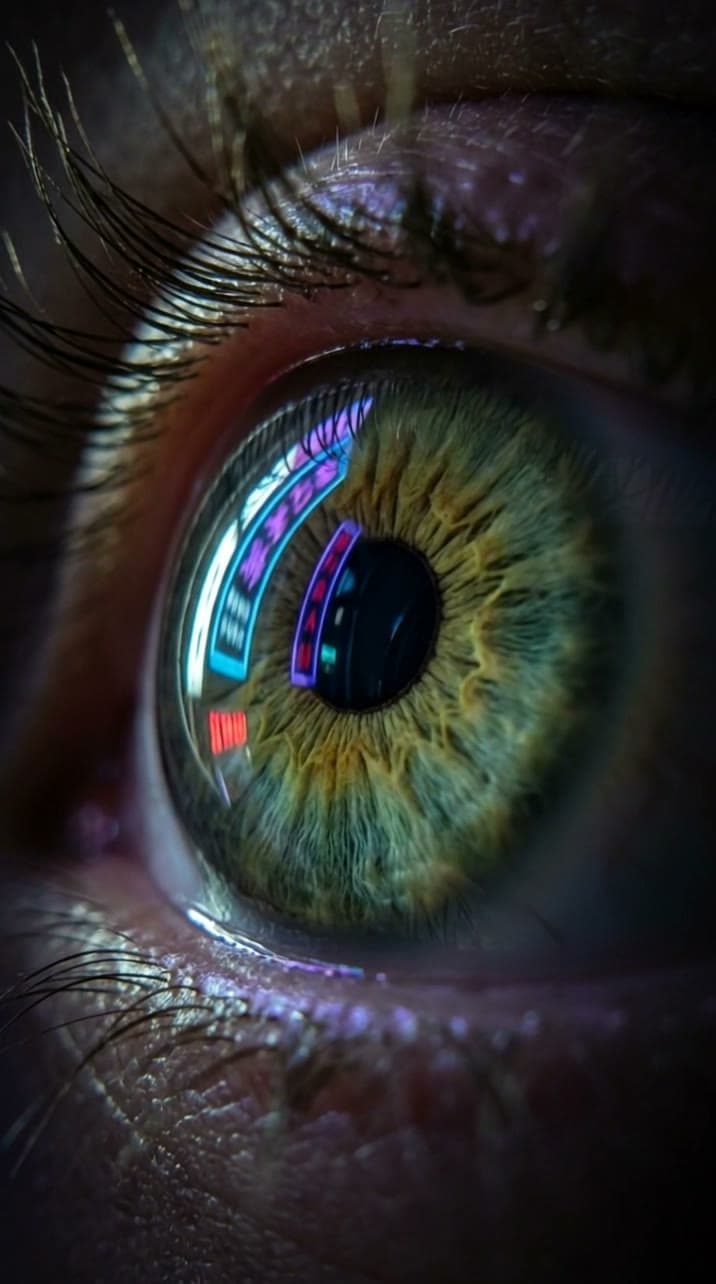
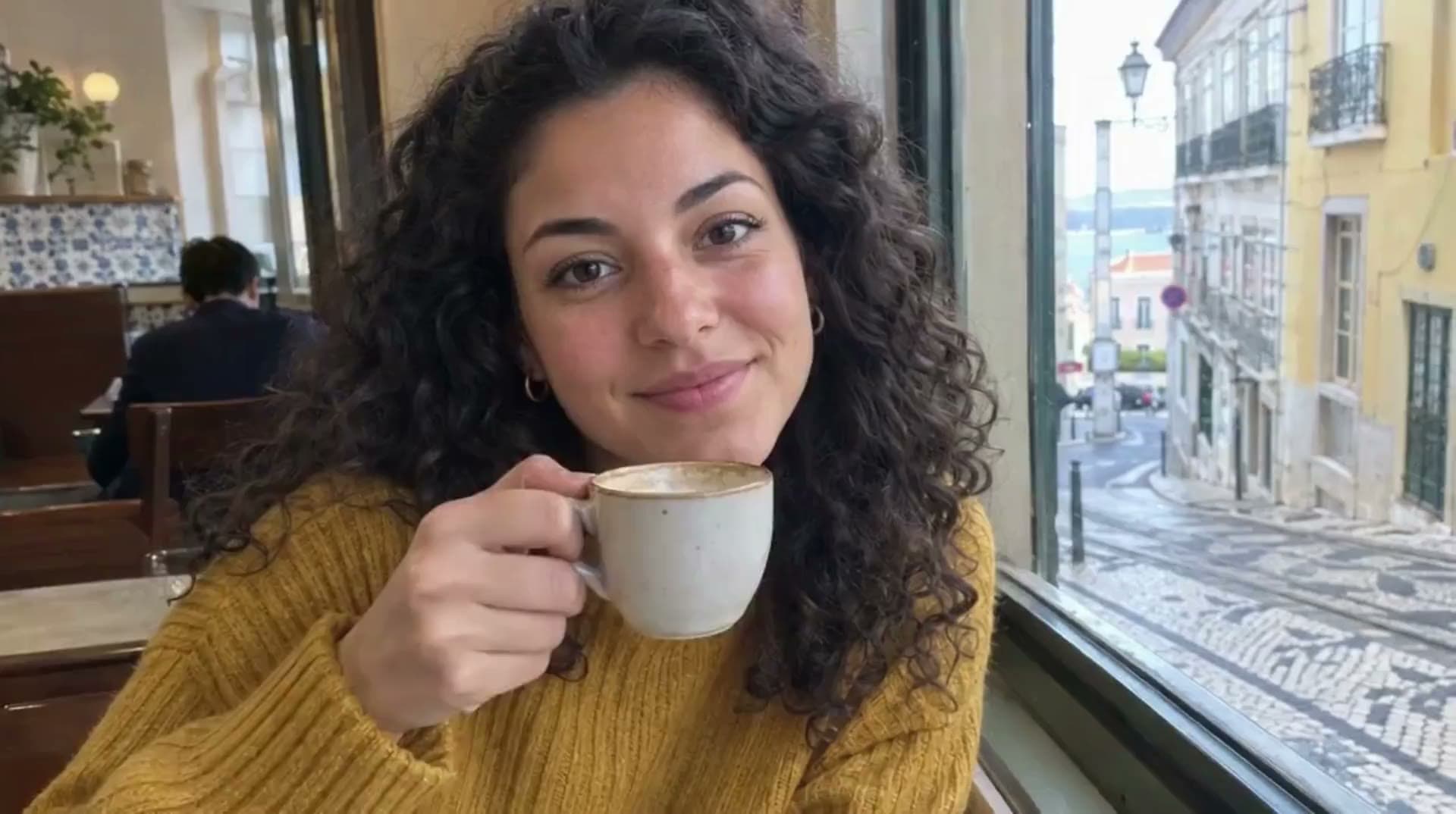
GPT Image 2 on Evili: readable text inside images
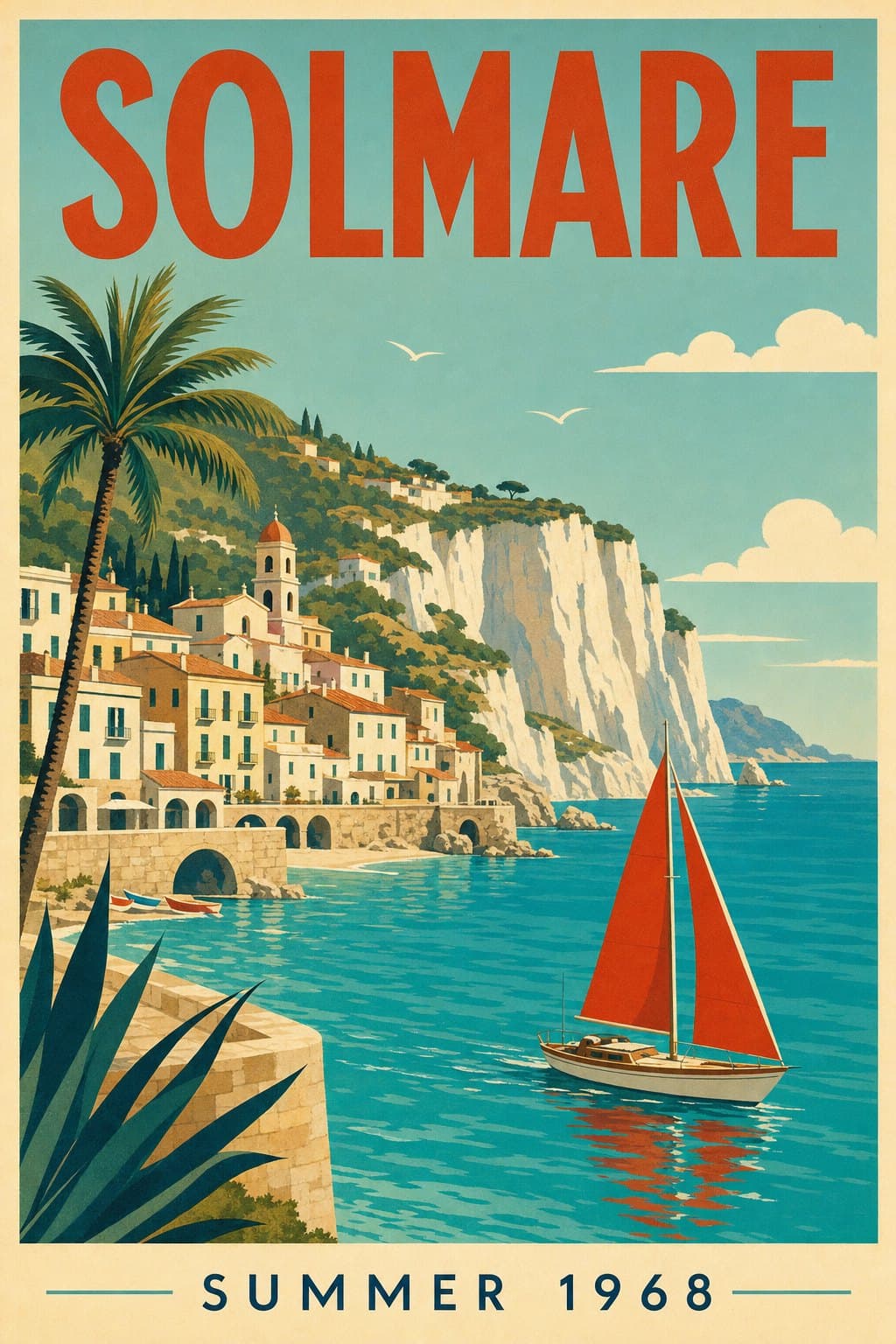
OpenAI's image model that spells it right. Posters, labels and signs with words that come out clean.
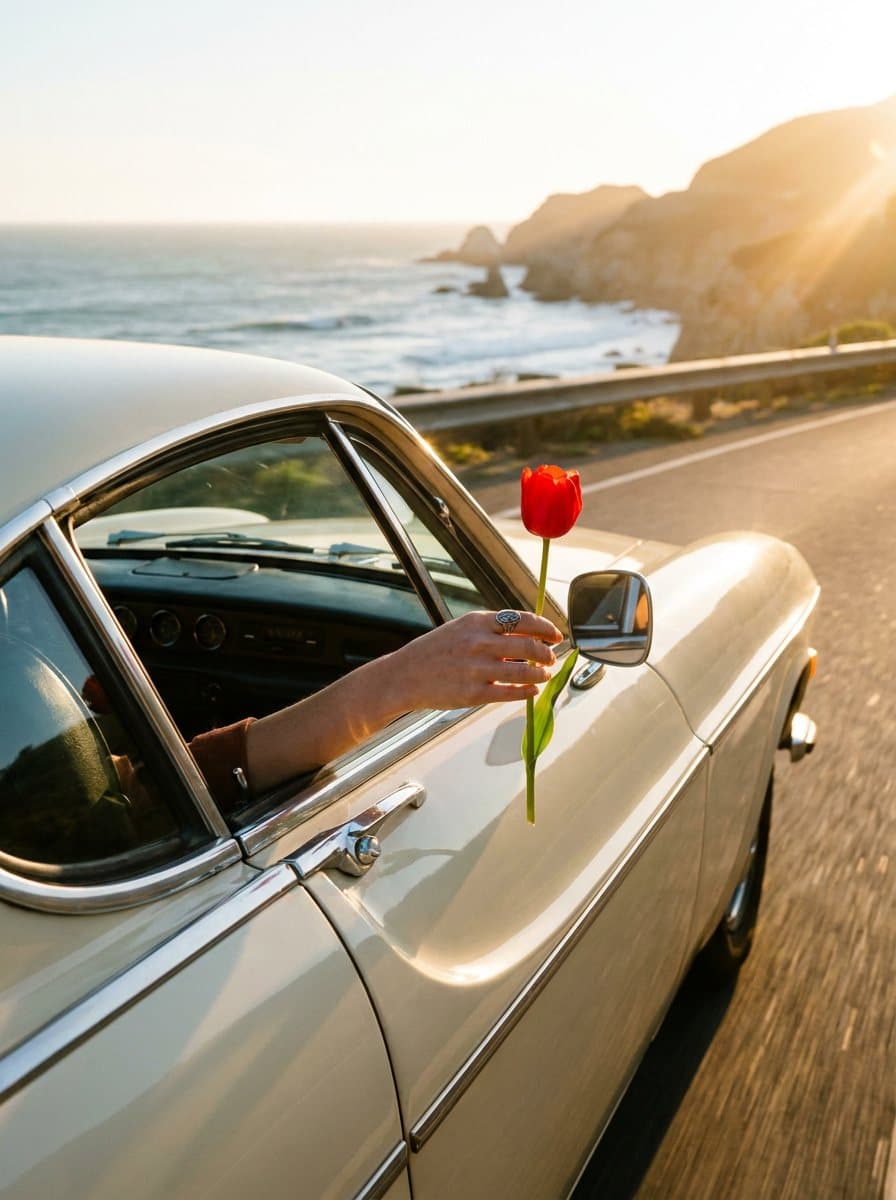
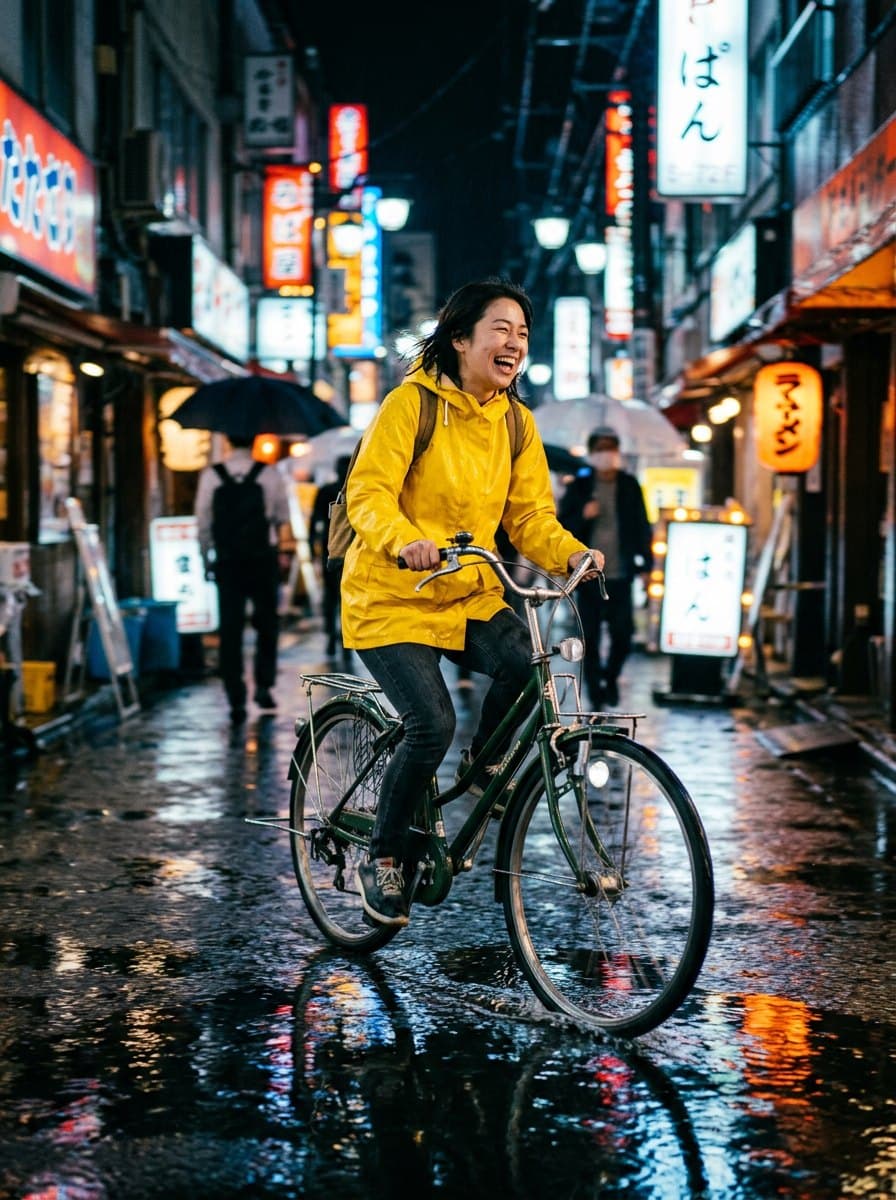
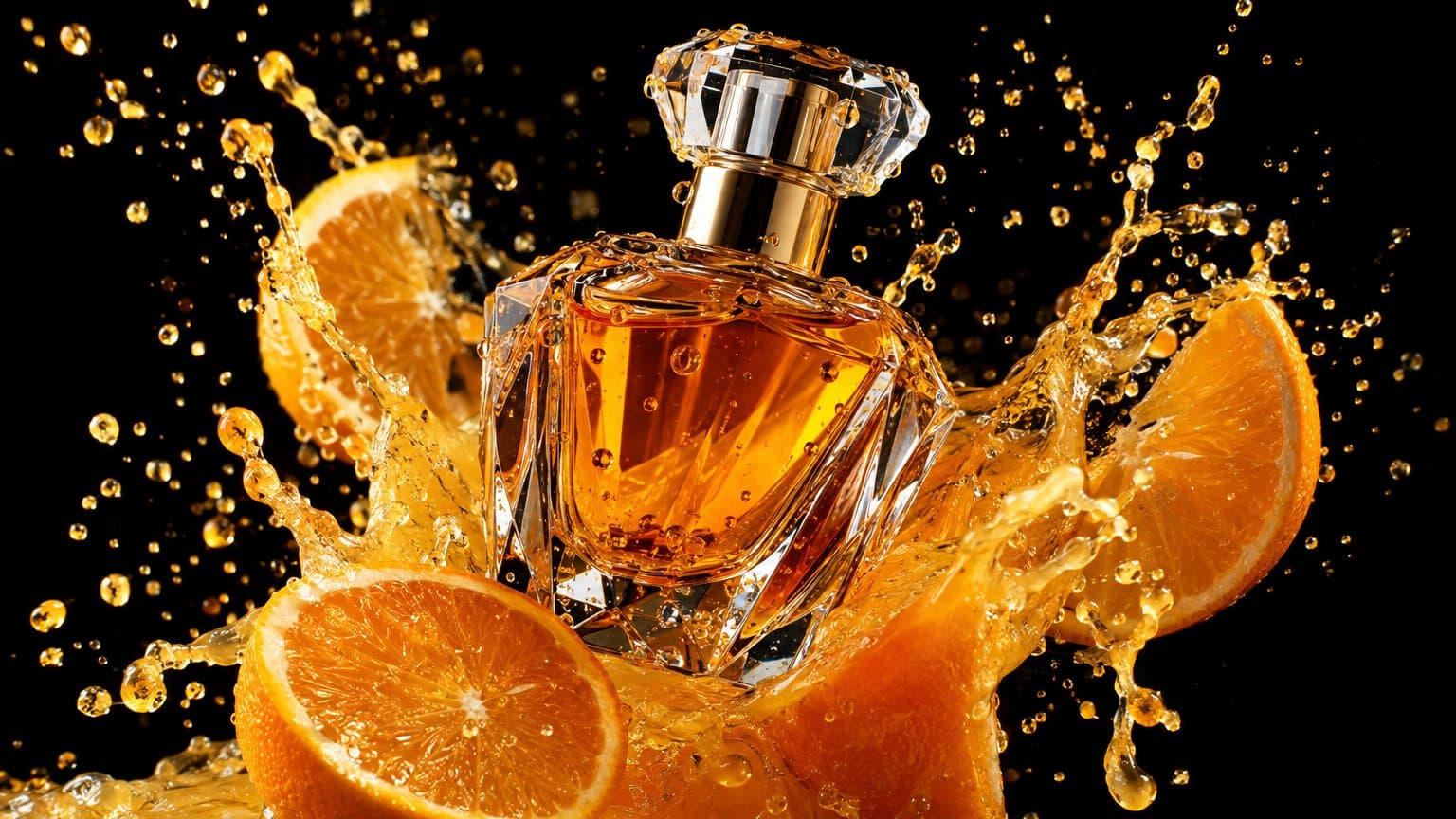
Gallery
Why creators choose GPT Image 2
Words that read
Titles, slogans and labels spelled the way you wrote them.
Designed layouts
Posters that look laid out, not pasted.
Edits too
Change the words or the style of an existing image.
How to create with GPT Image 2
Start creating1 Pick GPT Image 2
Open the Image studio with GPT Image 2 already selected.
2 Write a prompt or add a photo
Describe the picture you want, or start from a photo of your own.
3 Make it and save it
Tap Make, look at the result, then save it or try another version.
Best for
- 01
Posters and flyers
Event and sale posters with real headlines.
- 02
Product labels
Packaging mock-ups with your brand name.
- 03
Social graphics
Quote cards and announcements.
GPT Image 2 at a glance
From 65 coins
Tall and wide images cost less than square.
Up to 3 photos
Edit or guide it with your own photos.
Up to 4 at once
Make several versions in one go.
Frequently asked questions
How do I start with GPT Image 2?
Press the button on this page. You sign in with Google. The Image studio opens with GPT Image 2 selected.
Is my prompt kept?
Yes. The text you type here is carried into the studio so you do not have to type it again.
How many coins does an image cost?
A GPT Image 2 image is 65 to 130 coins, depending on its shape. Every plan adds coins each month; the pricing below shows how many.
How do I get the exact words?
Write the words in quotation marks inside your prompt.