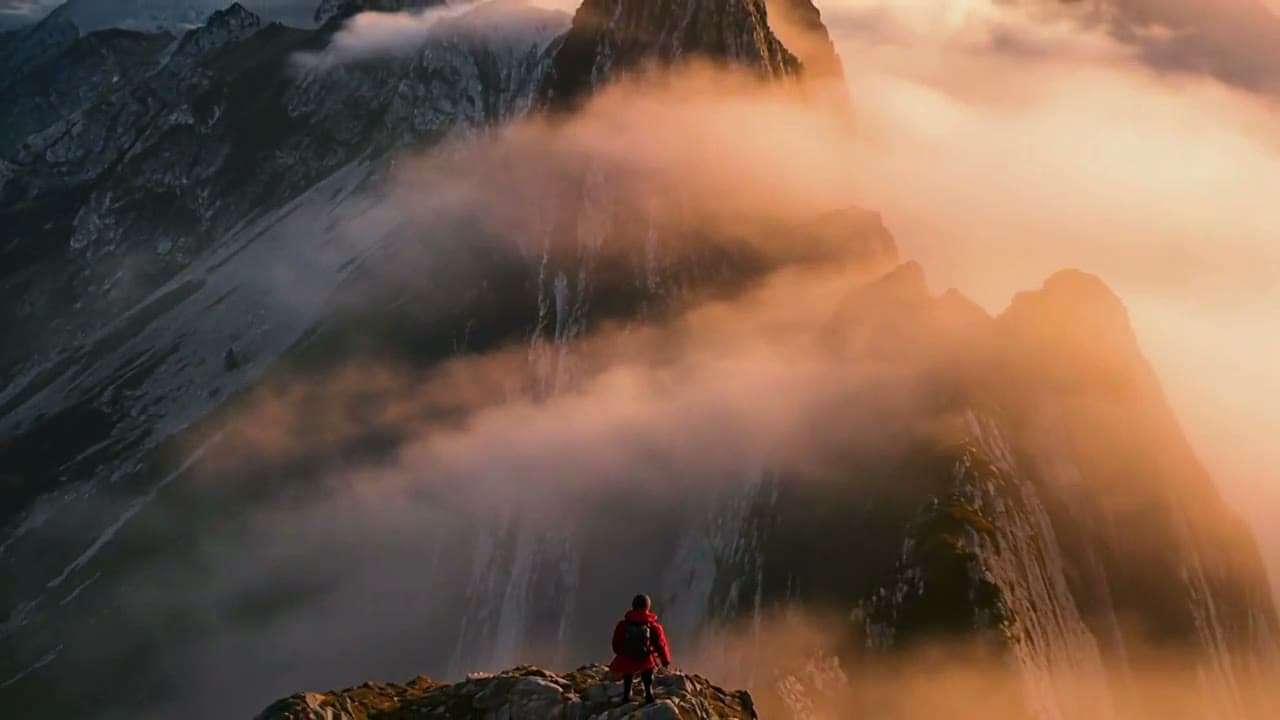

Bring a photo to life as a video
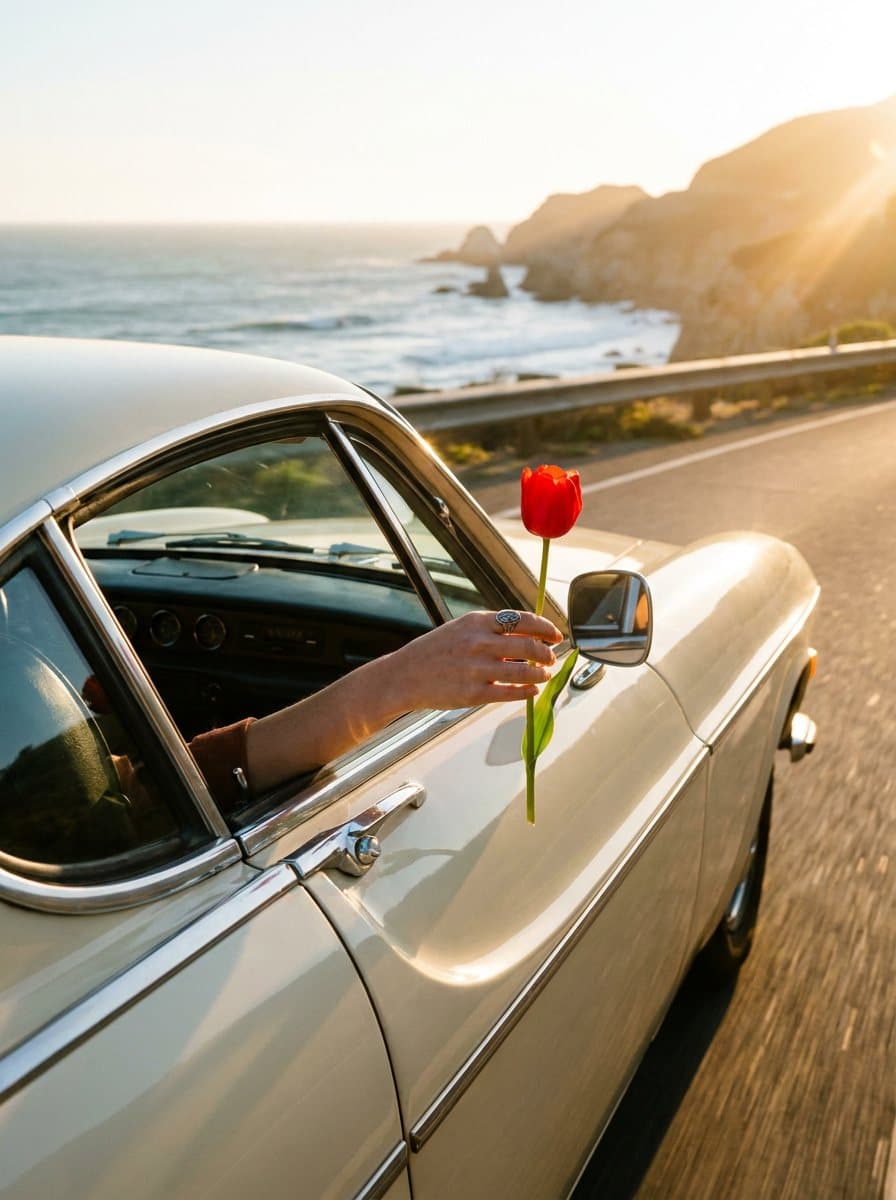
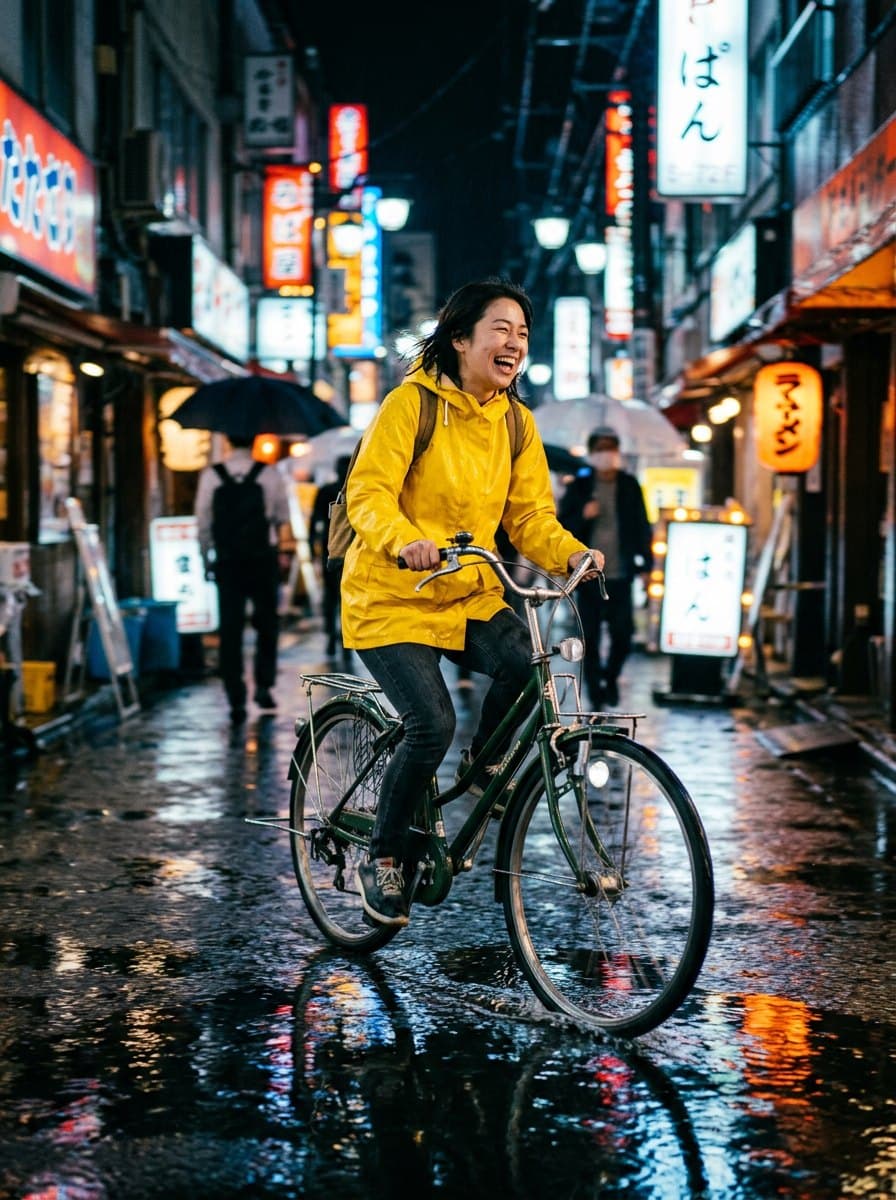
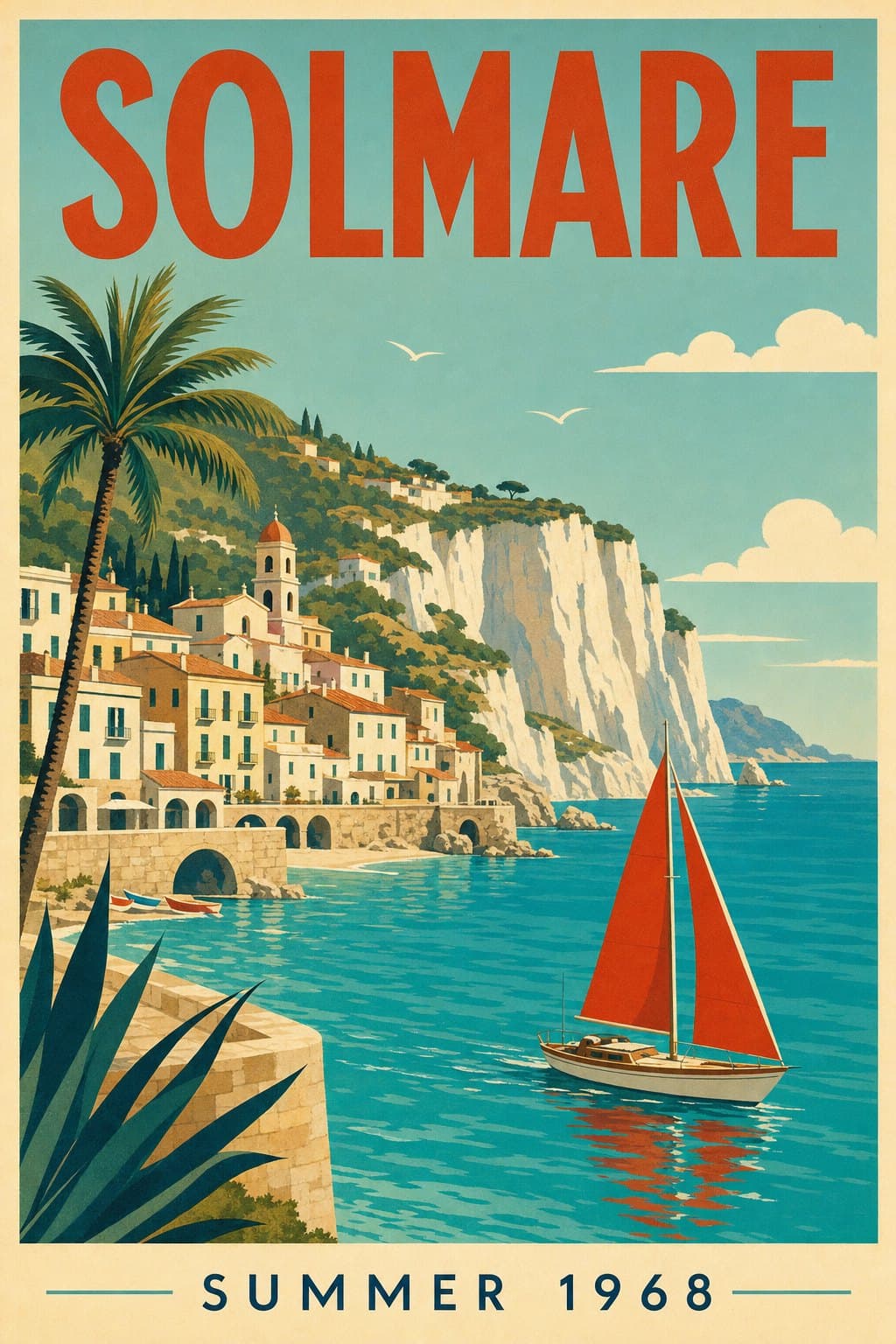
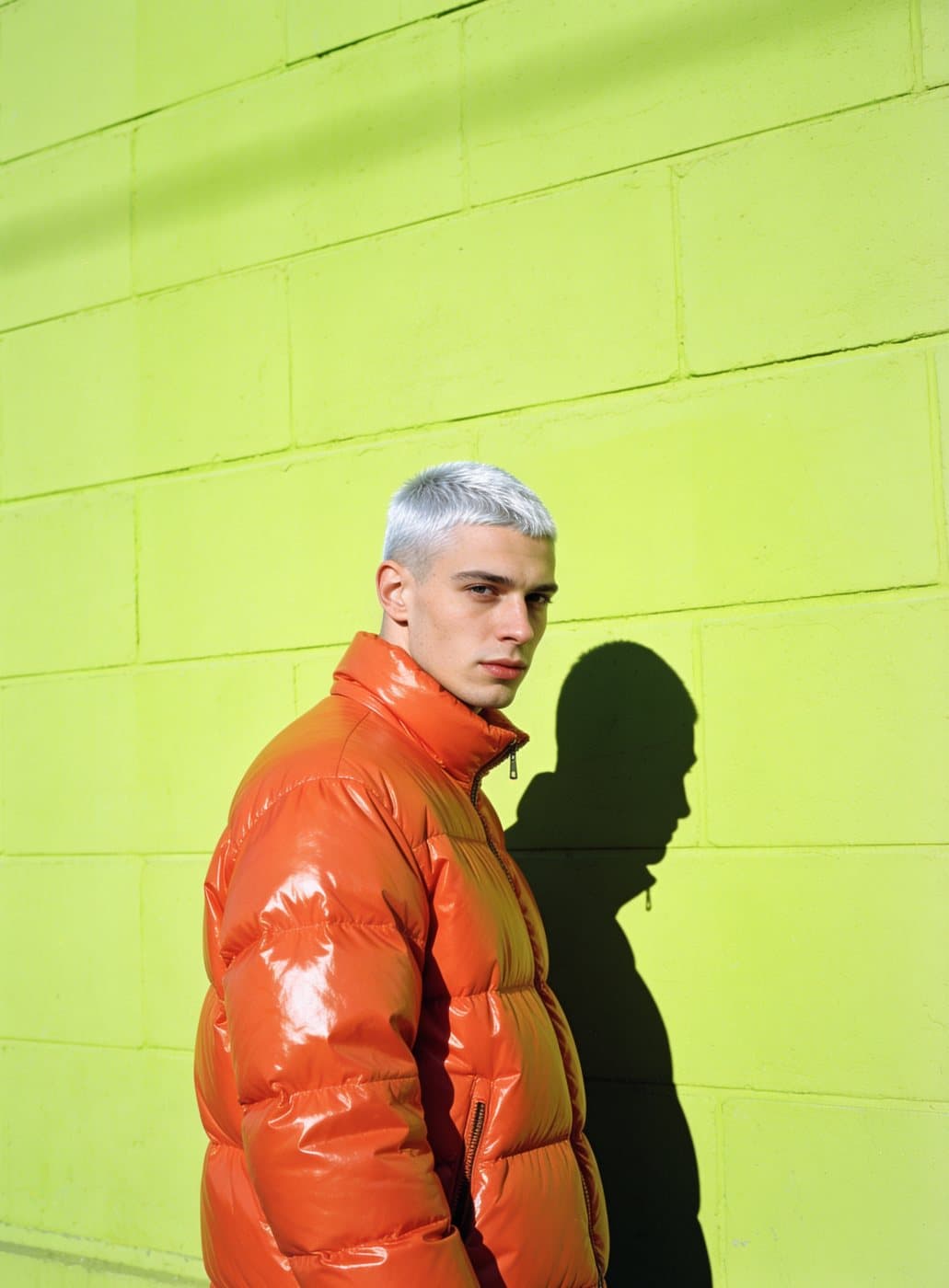
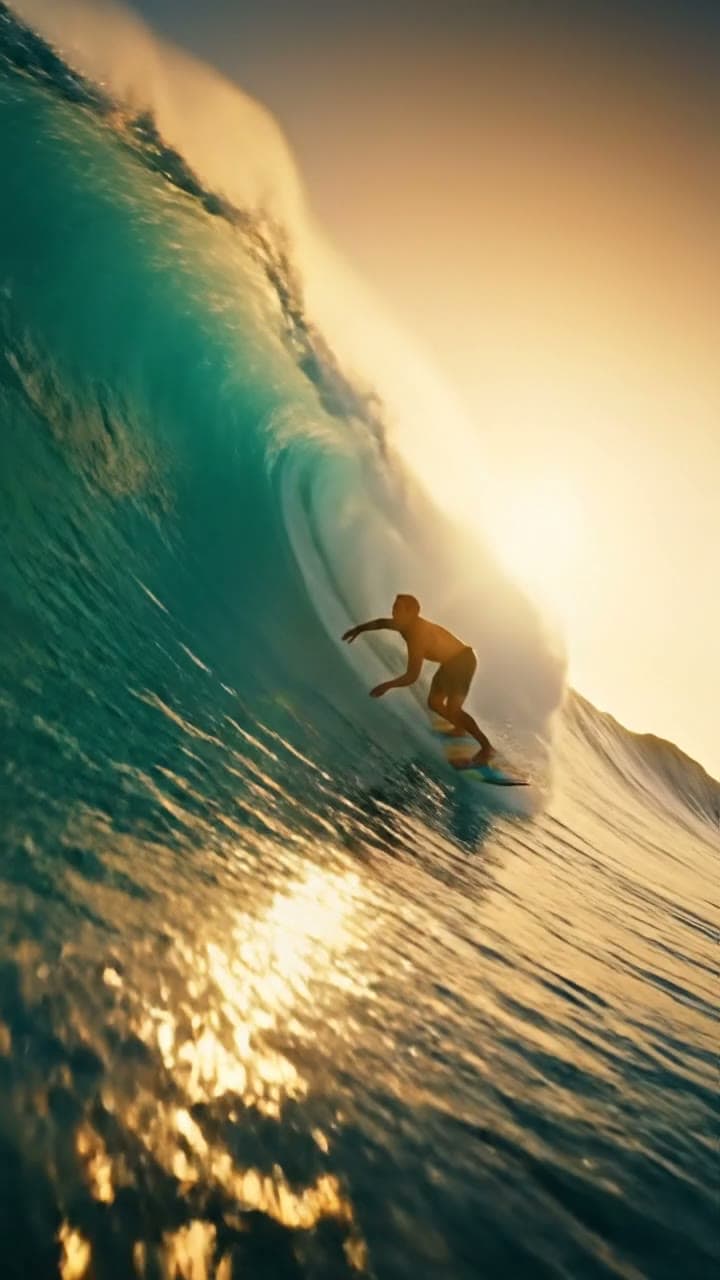
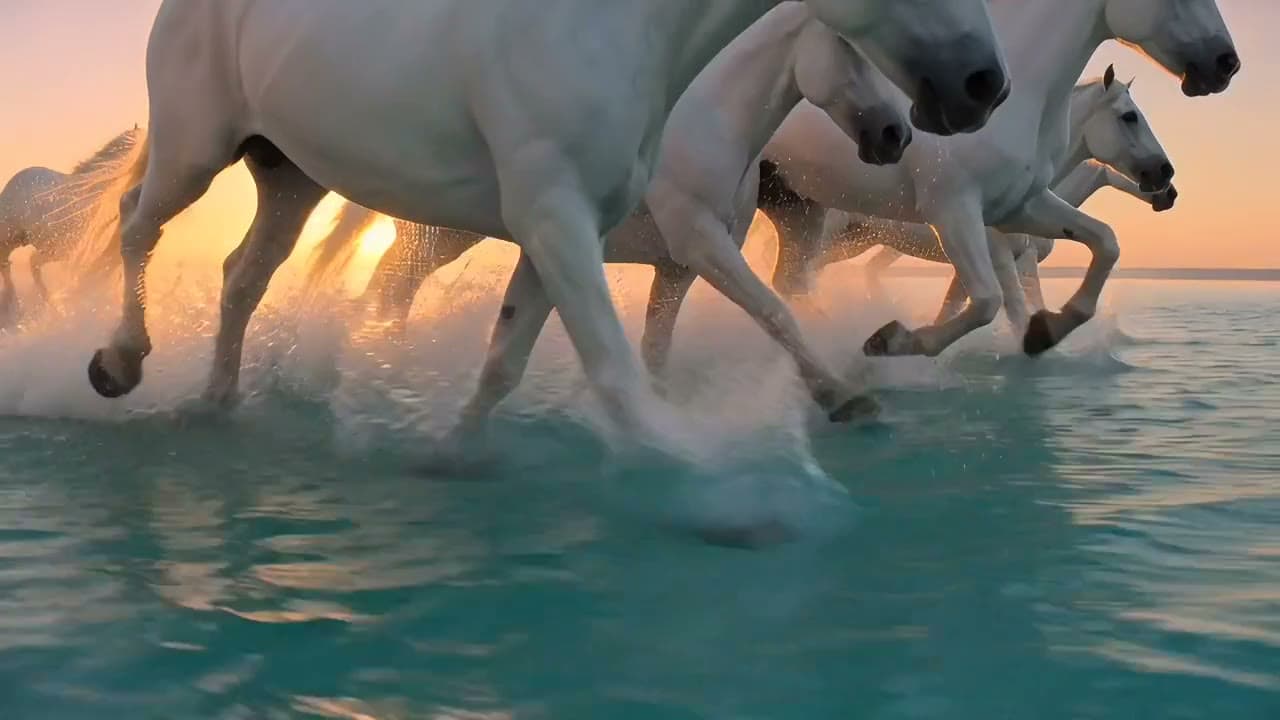
Start from one photo, say how it should move, and get a short clip.
Gallery
Models for Image to Video
How Image to Video works
1. Open the Video studio
Kling 3.0 Turbo is already selected.
2. Add a photo and a prompt
Pick the photo and describe the movement.
3. Make and save
Tap Make, then save the clip or try another prompt.
What you can do
A still product becomes an ad
A perfume photo turns into a moving shot.
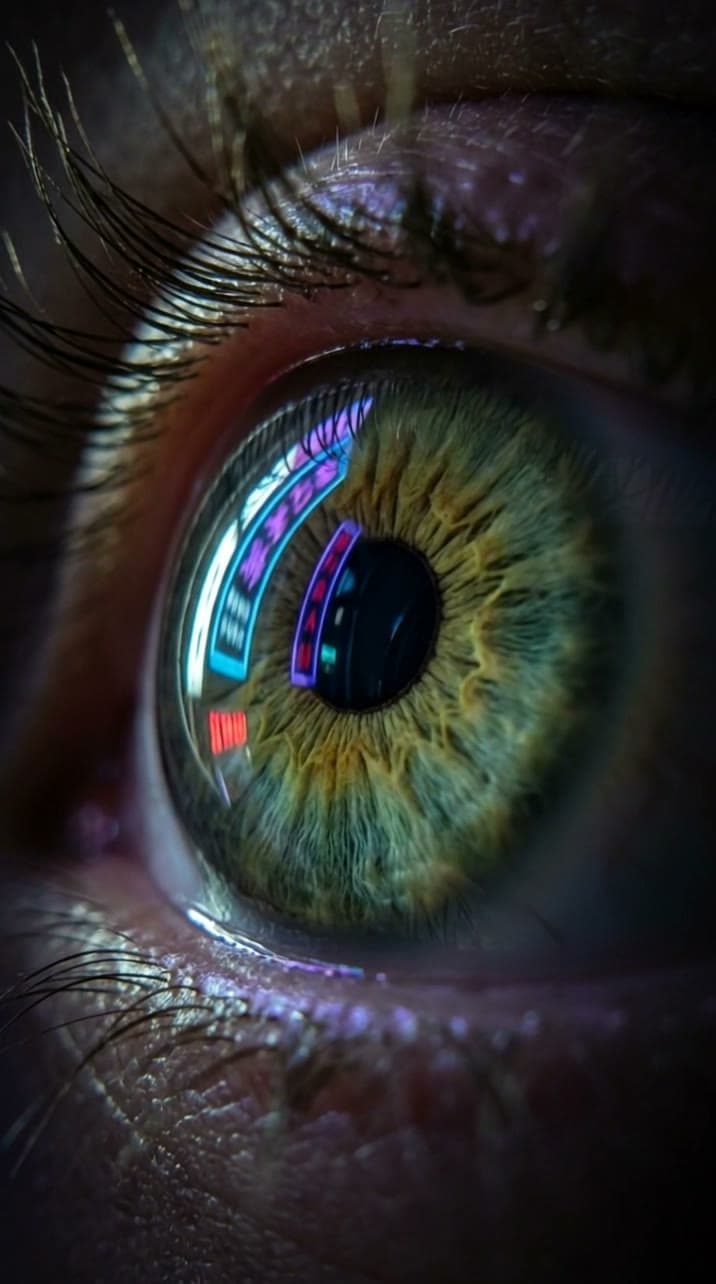
A portrait that moves
A close-up photo comes alive.
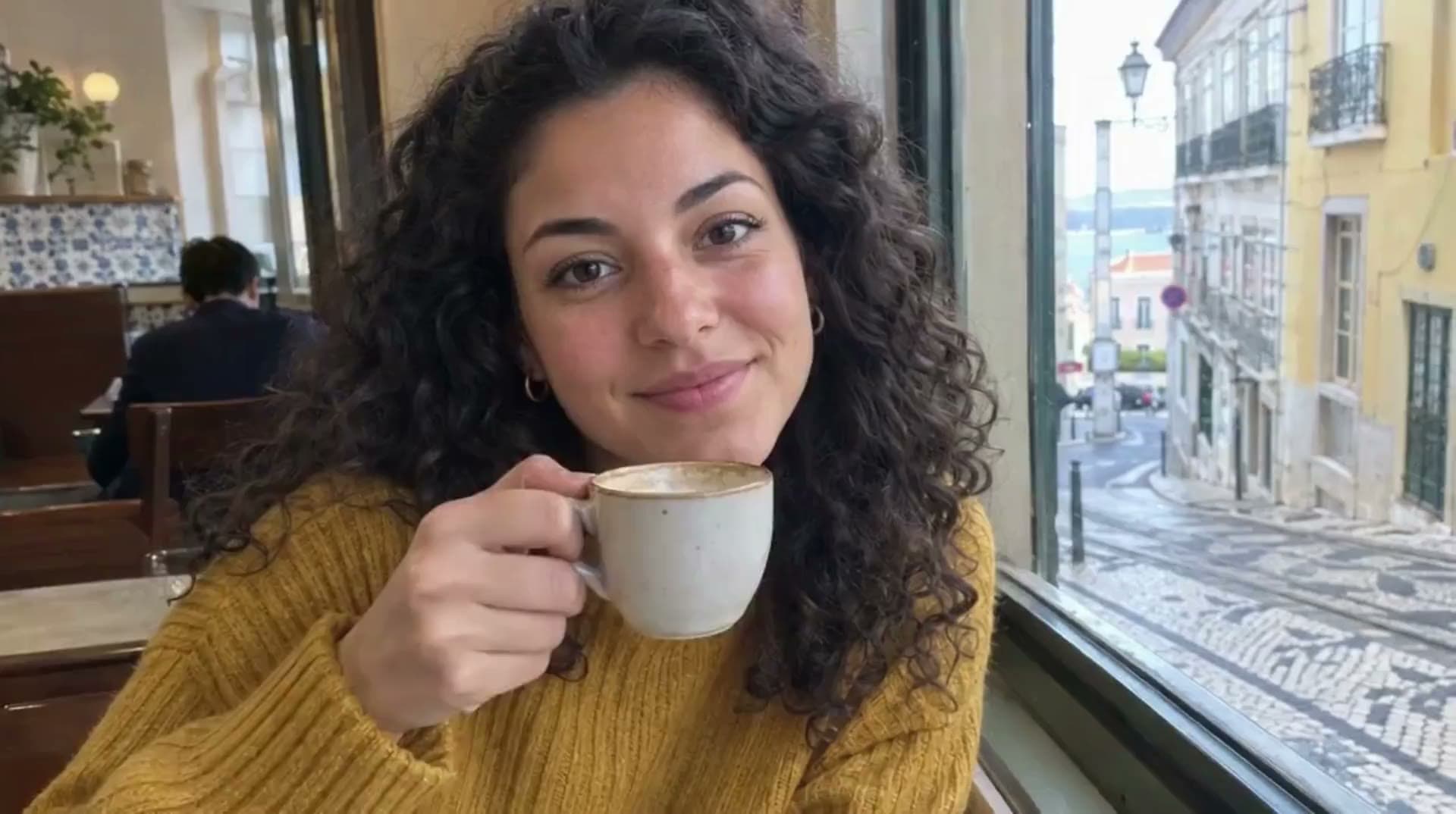
Before: the photo
The still you start from.

Pricing
Loading the plans…
Prices in the currency shown. Plans renew at the price shown until you cancel. Cancel anytime in Settings.
Frequently asked questions
What is image to video?
You give the model a photo and it makes a short video that starts from it.
Is a photo required?
Yes. Kling 3.0 Turbo needs a photo to start from.
How much does a clip cost?
Every plan adds coins each month; the pricing below shows how many.
Is my prompt kept?
Yes. The text from this page is carried into the studio.