

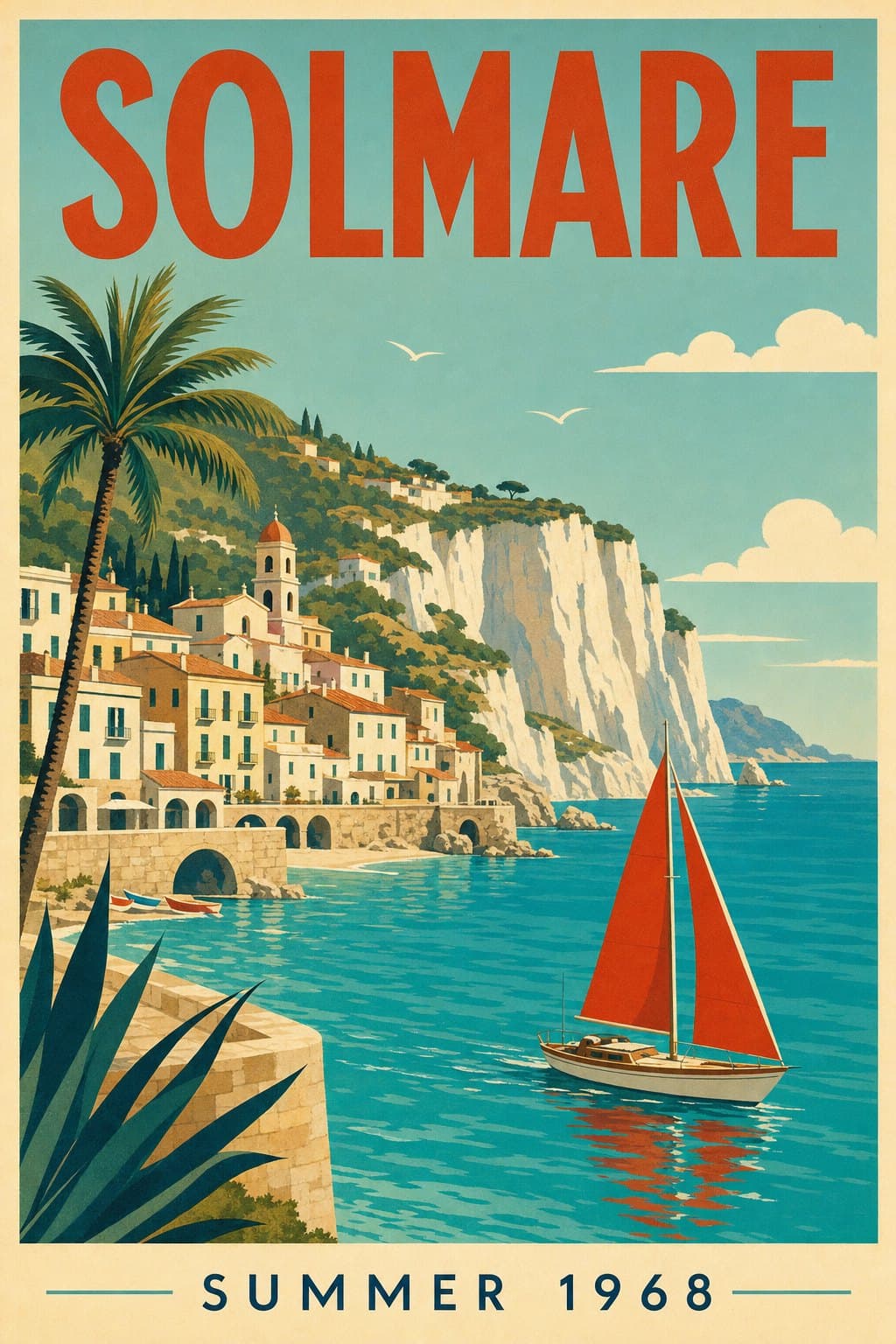

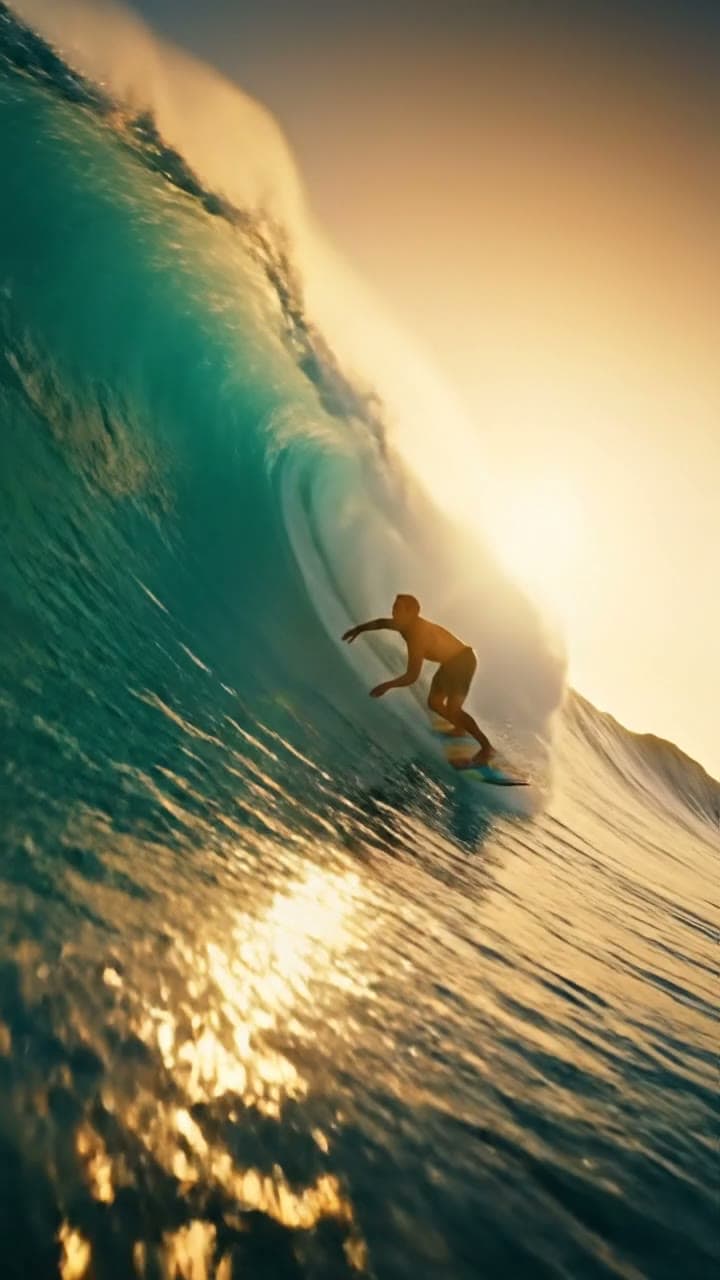


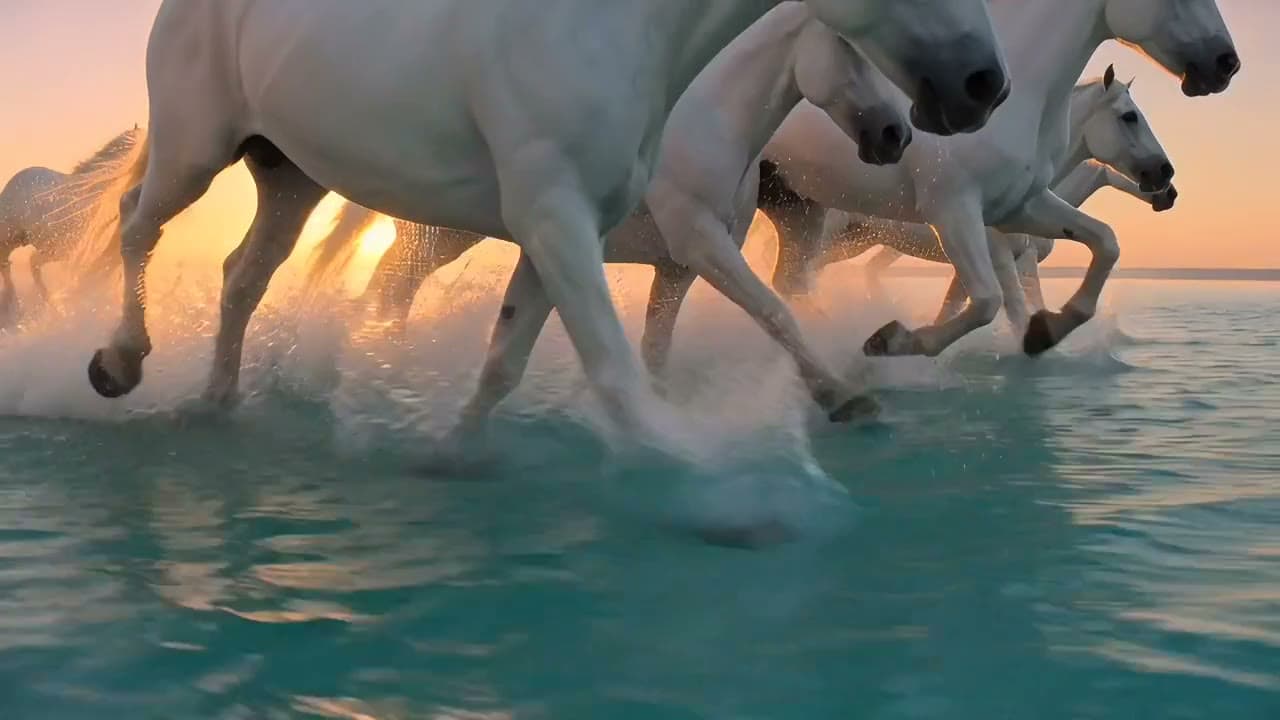
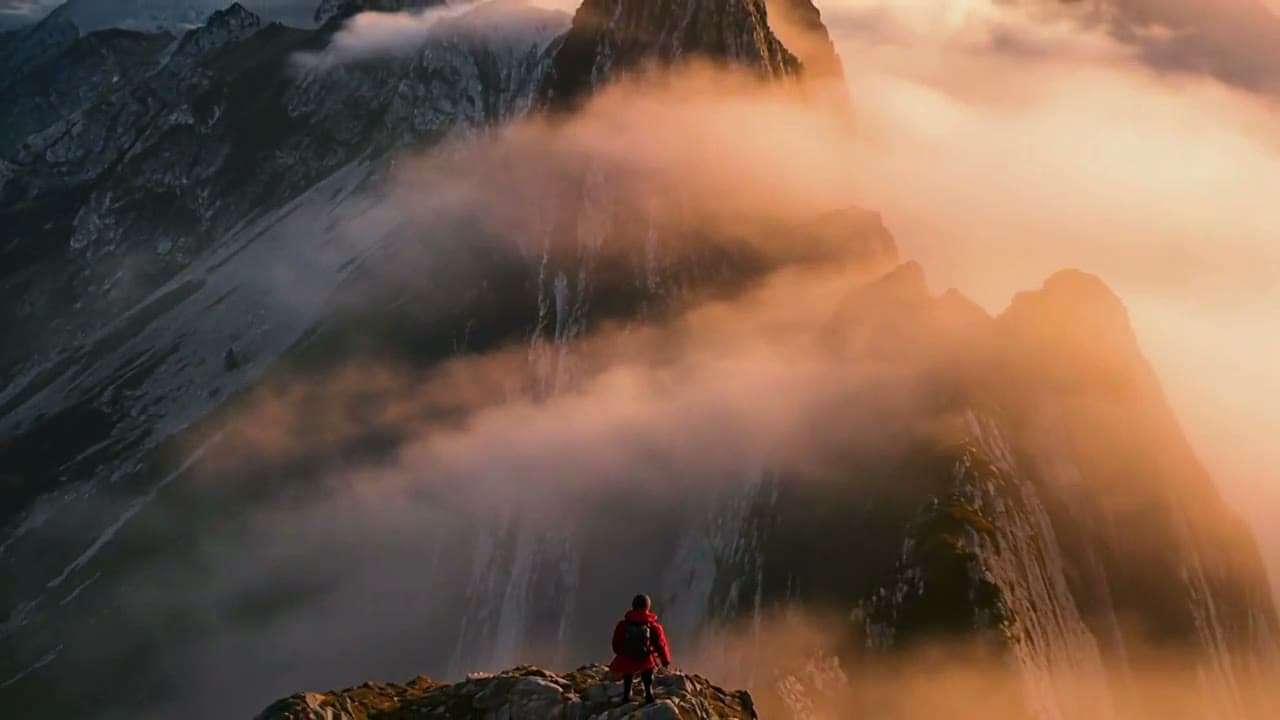
Edit an image with words
Add a photo, say what to change, and the rest stays as it was.
Gallery
Models for Edit Image (with words)
How Edit Image (with words) works
1. Open the Image studio
Nano Banana Pro is already selected.
2. Add a photo and say the change
For example: make the tulip a sunflower.
3. Make and save
Tap Make, compare with the original, then save.
Before and after


What you can do
Change one thing
Swap an object and keep the scene.
Keep the face
Nano Banana 2 is picked for edits that keep the face.

Fine detail
Nano Banana Pro keeps small details sharp.
Pricing
Loading the plans…
Prices in the currency shown. Plans renew at the price shown until you cancel. Cancel anytime in Settings.
Frequently asked questions
What does editing with words mean?
You describe the change in a sentence instead of using brushes or layers.
Does it keep the person's face?
Nano Banana 2 is chosen for edits that keep the face.
How much does an edit cost?
Images start from 25 coins. Every plan adds coins each month; the pricing below shows how many.
Is my prompt kept?
Yes. The text from this page is carried into the studio.