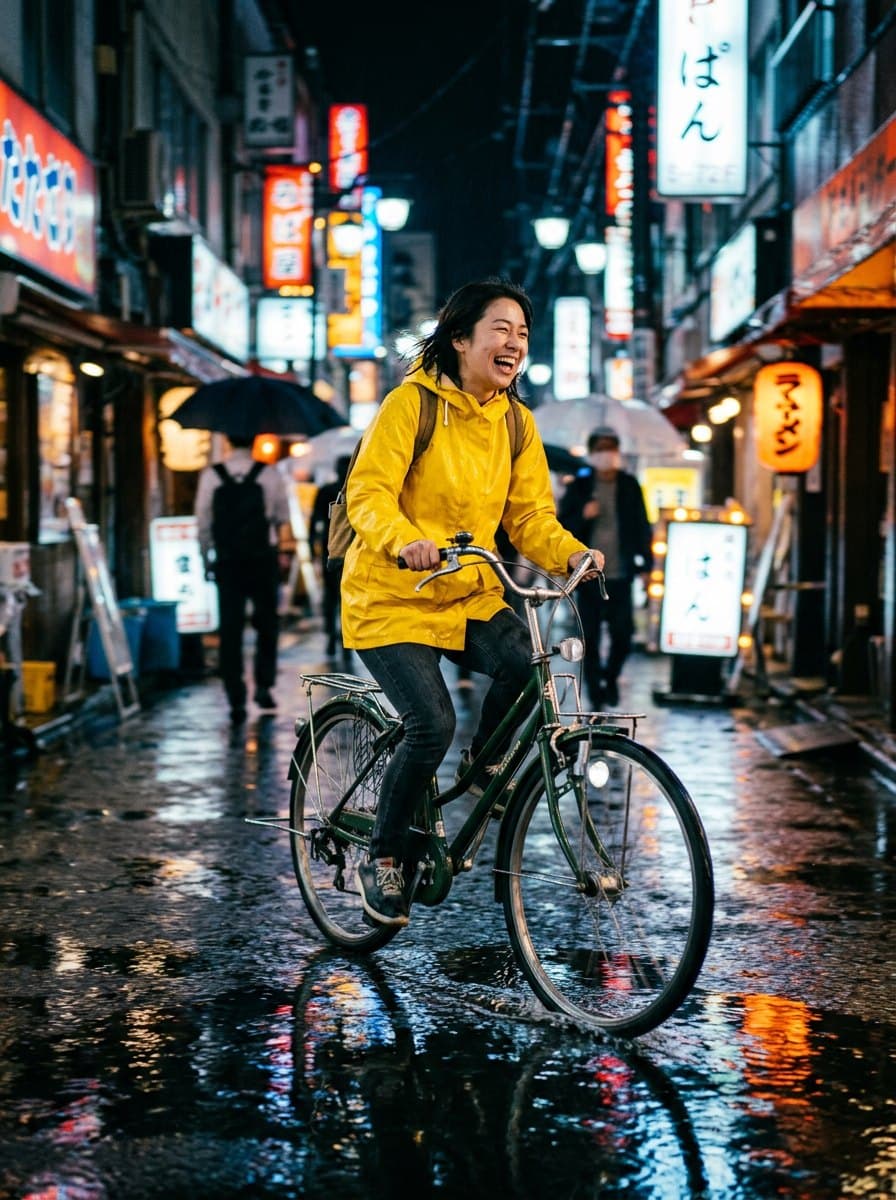
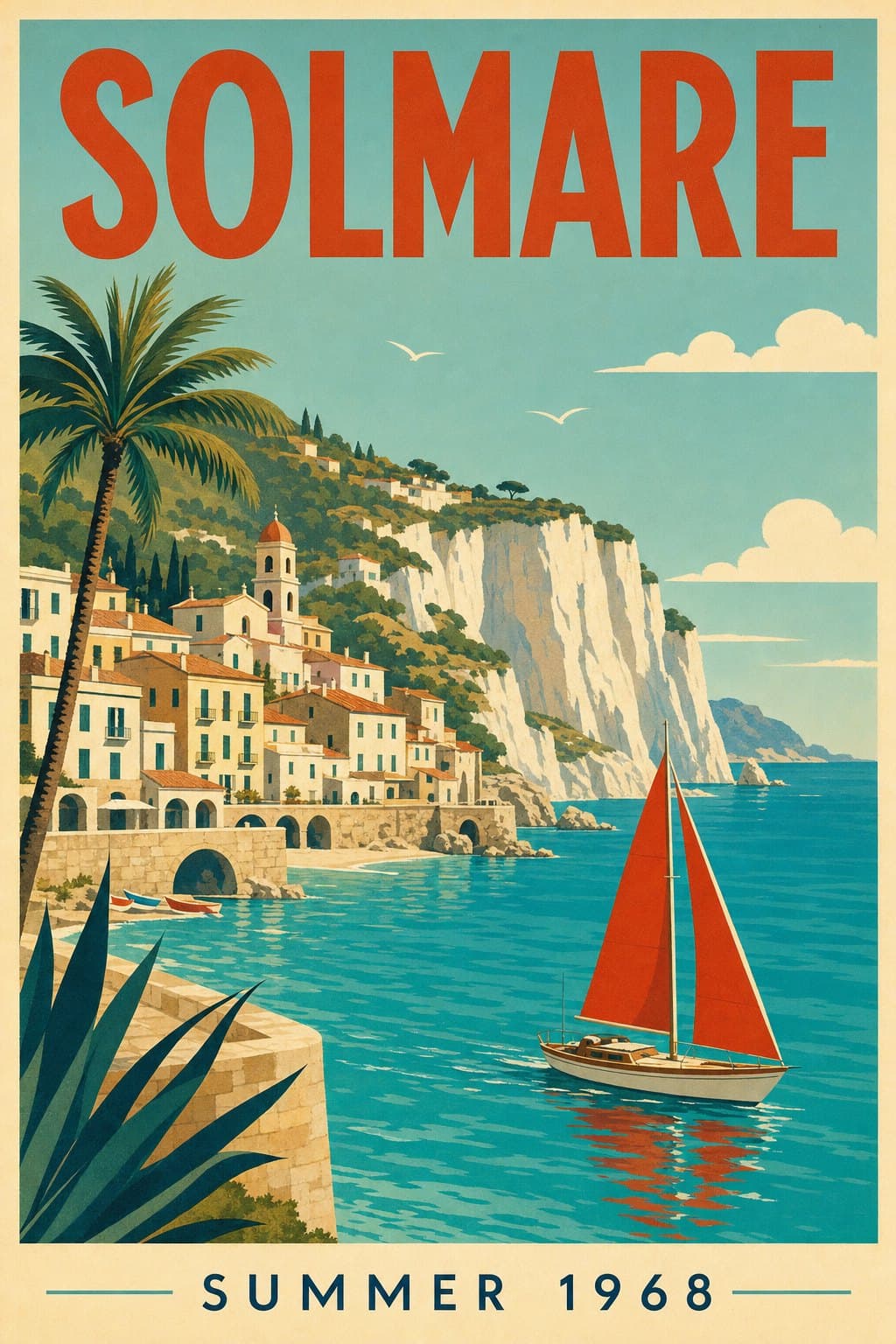
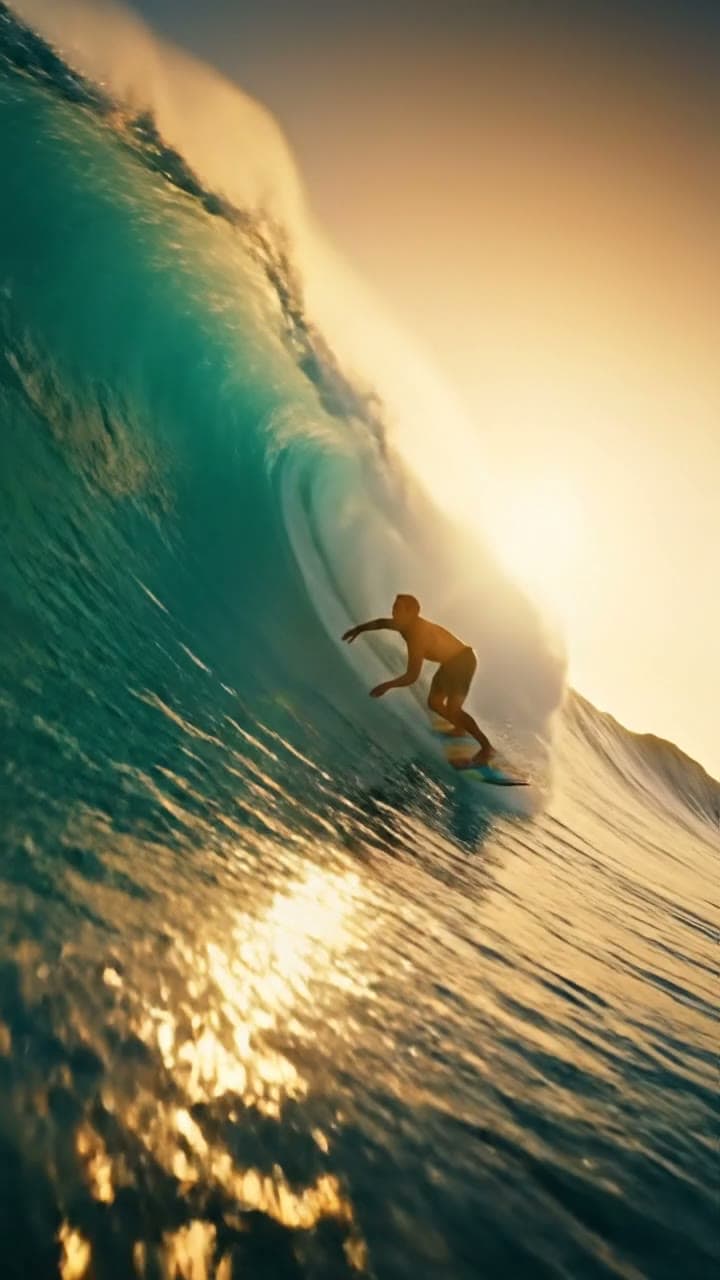
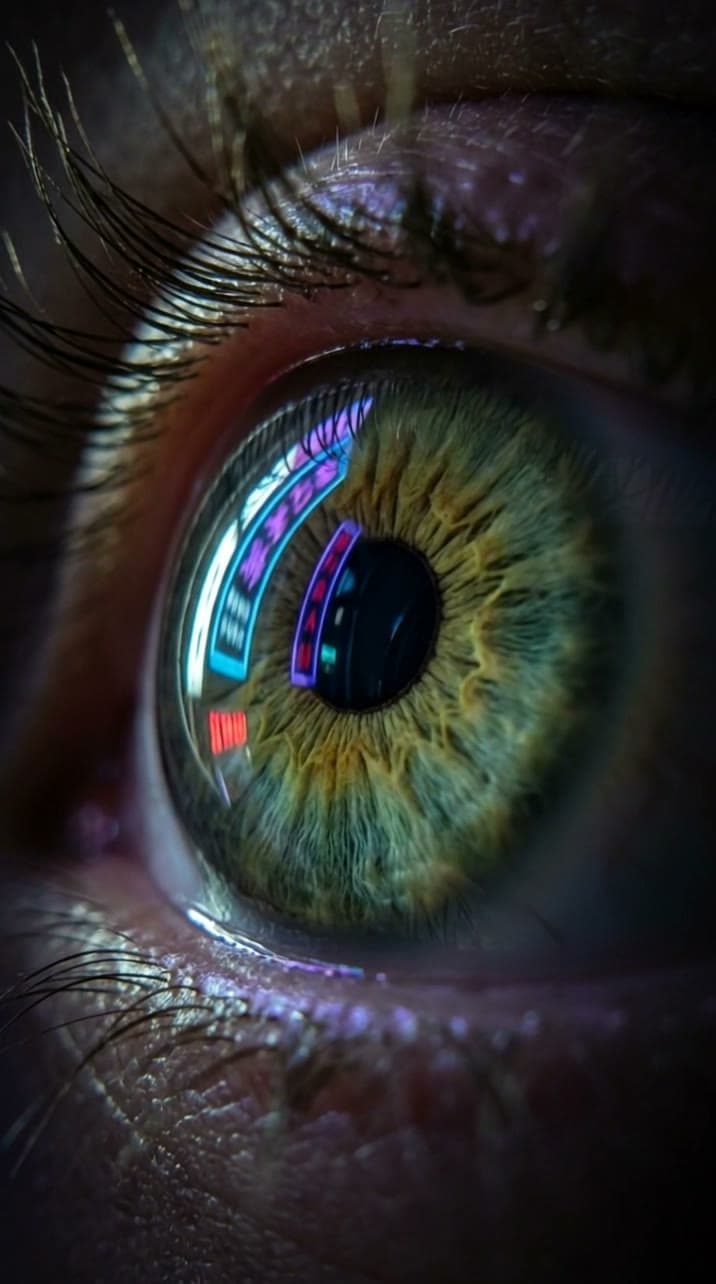
Turn a sentence into an image
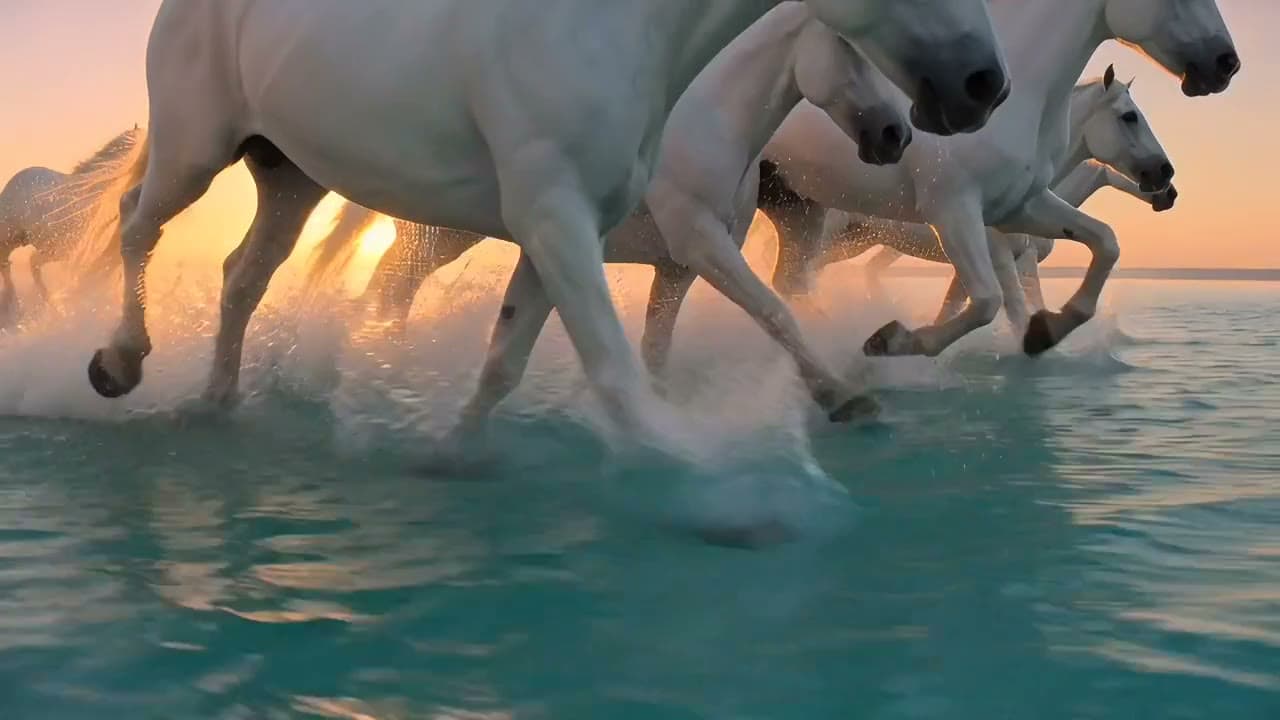
Describe a picture and Evili makes it. Try several models on the same idea.
Gallery
Models for Text to Image
How Text to Image works
1. Open the Image studio
A model is already selected for you.
2. Write your prompt
Say what is in the picture and the style.
3. Make and save
Tap Make, then save the image or switch models and compare.
What you can do
Product still life
Clean, composed shots of an object.

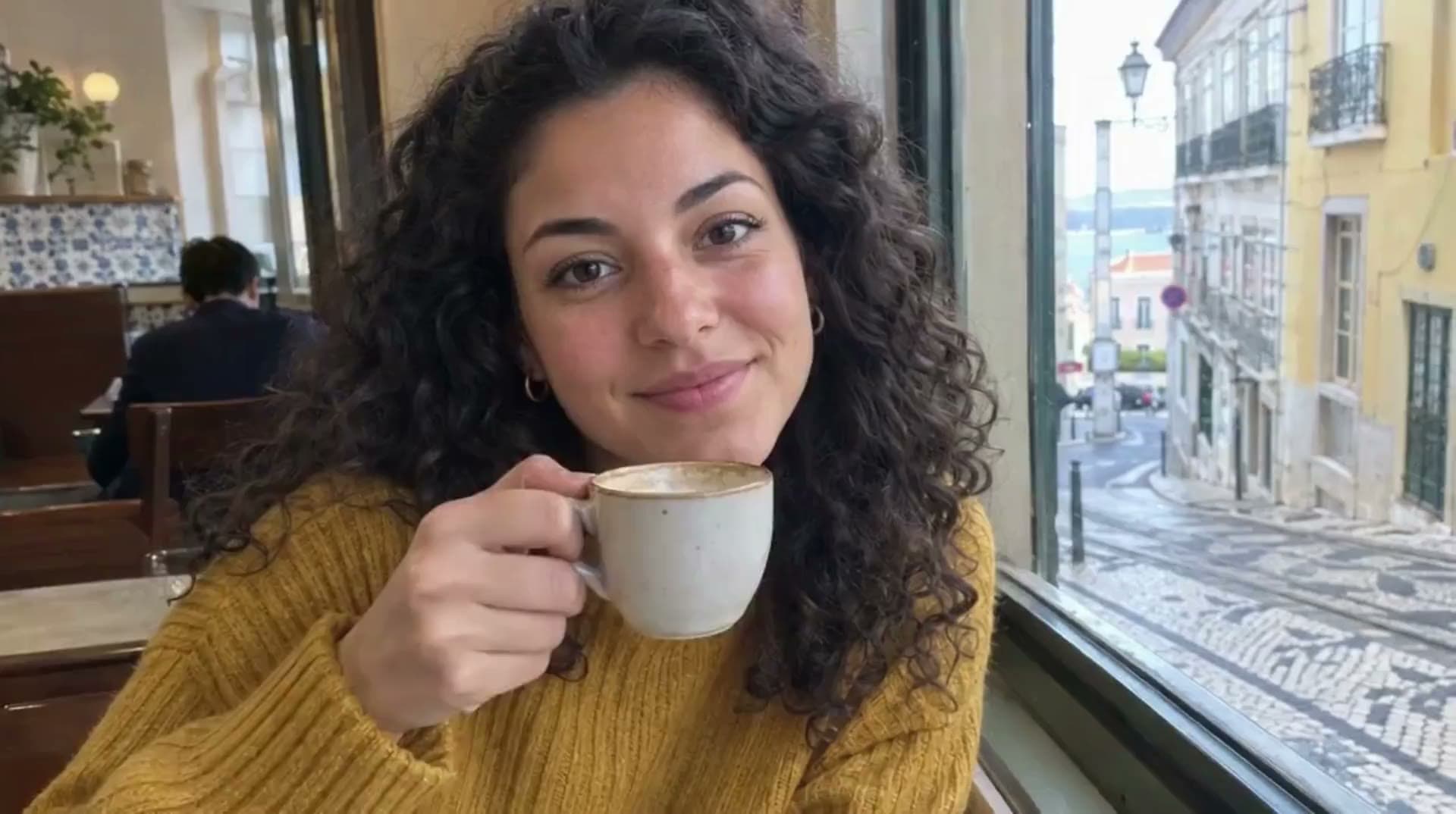
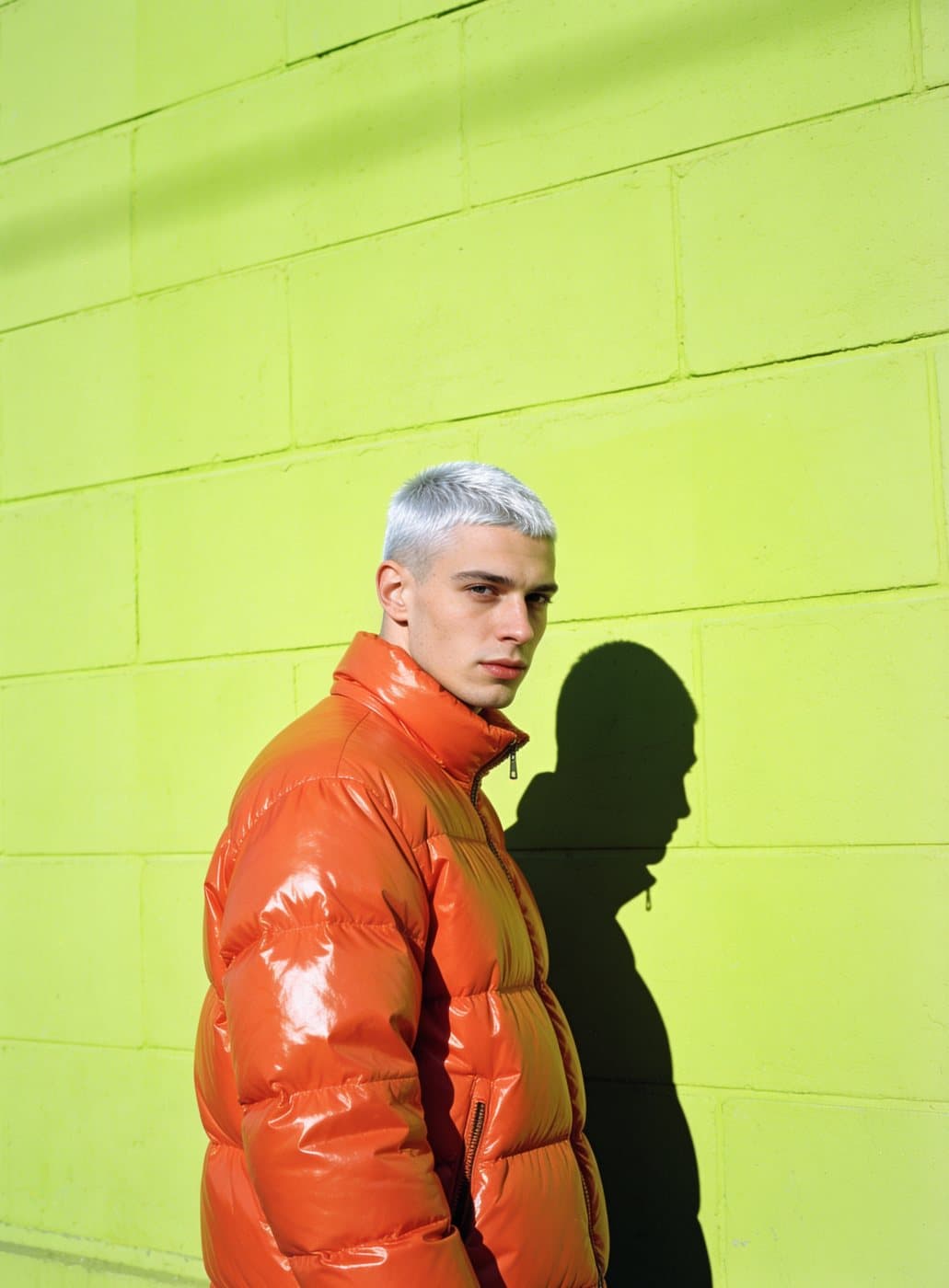
Lifelike portraits
Faces and light that read like a photo.
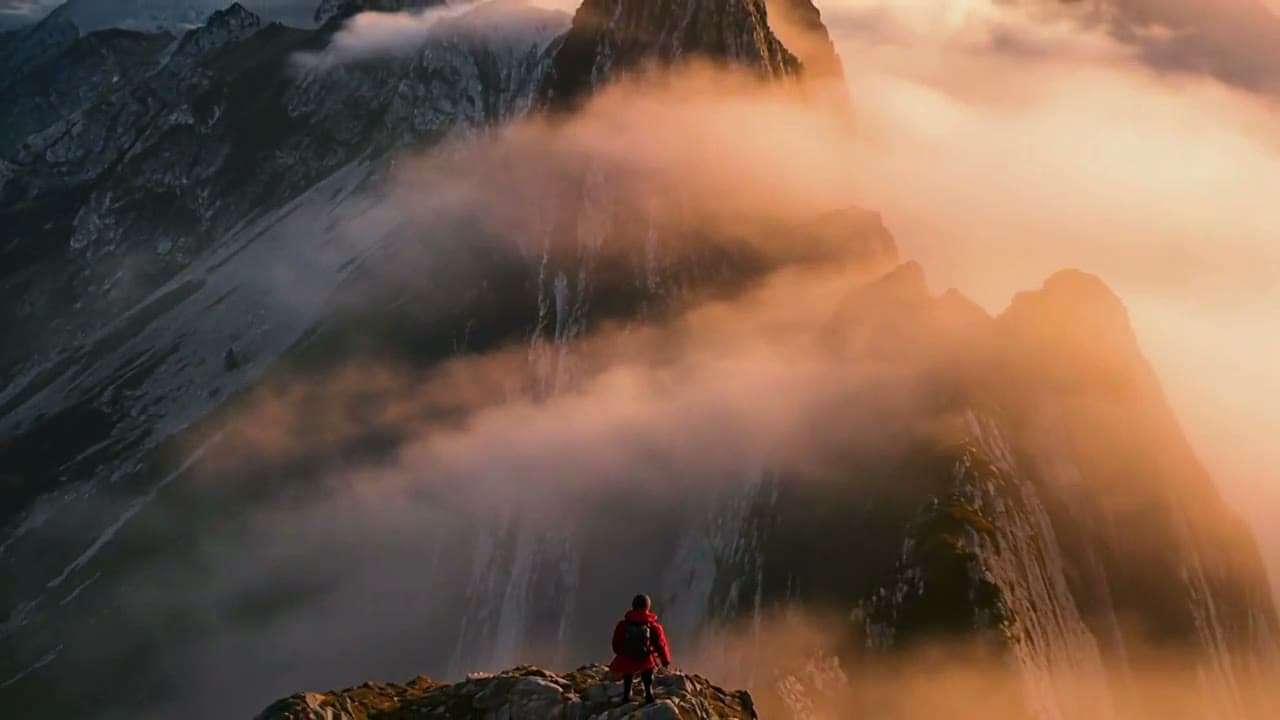
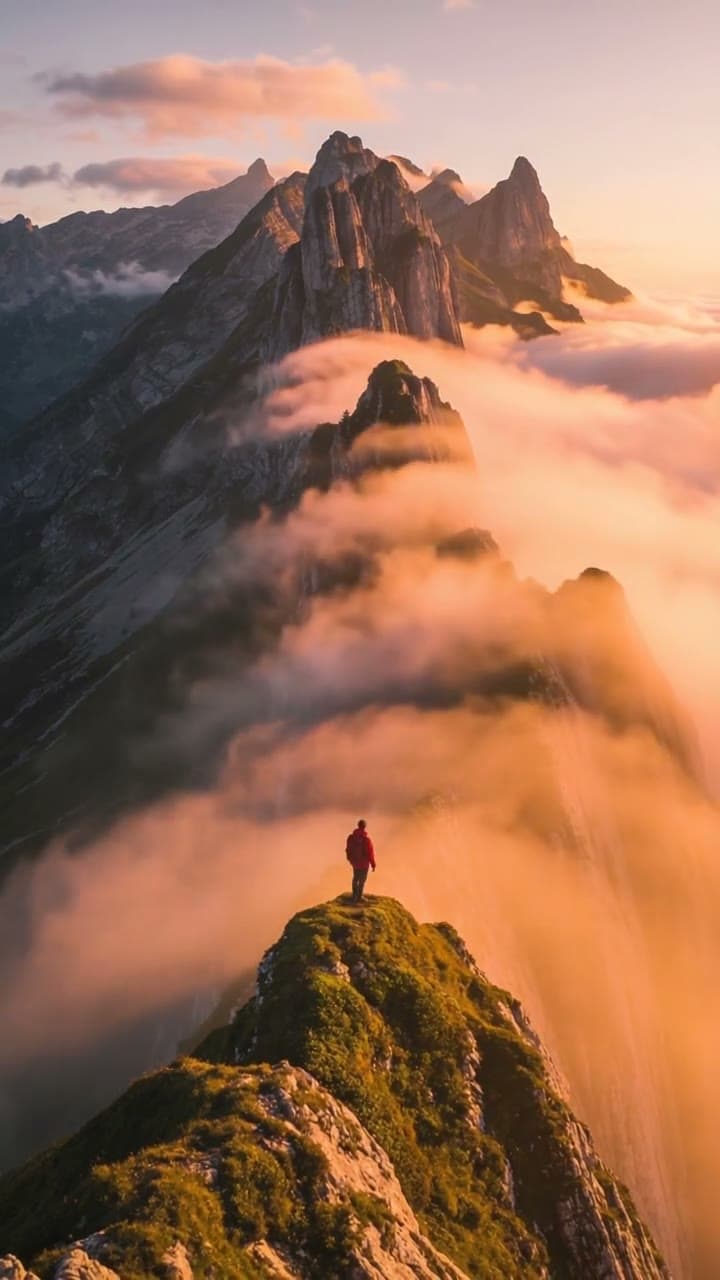
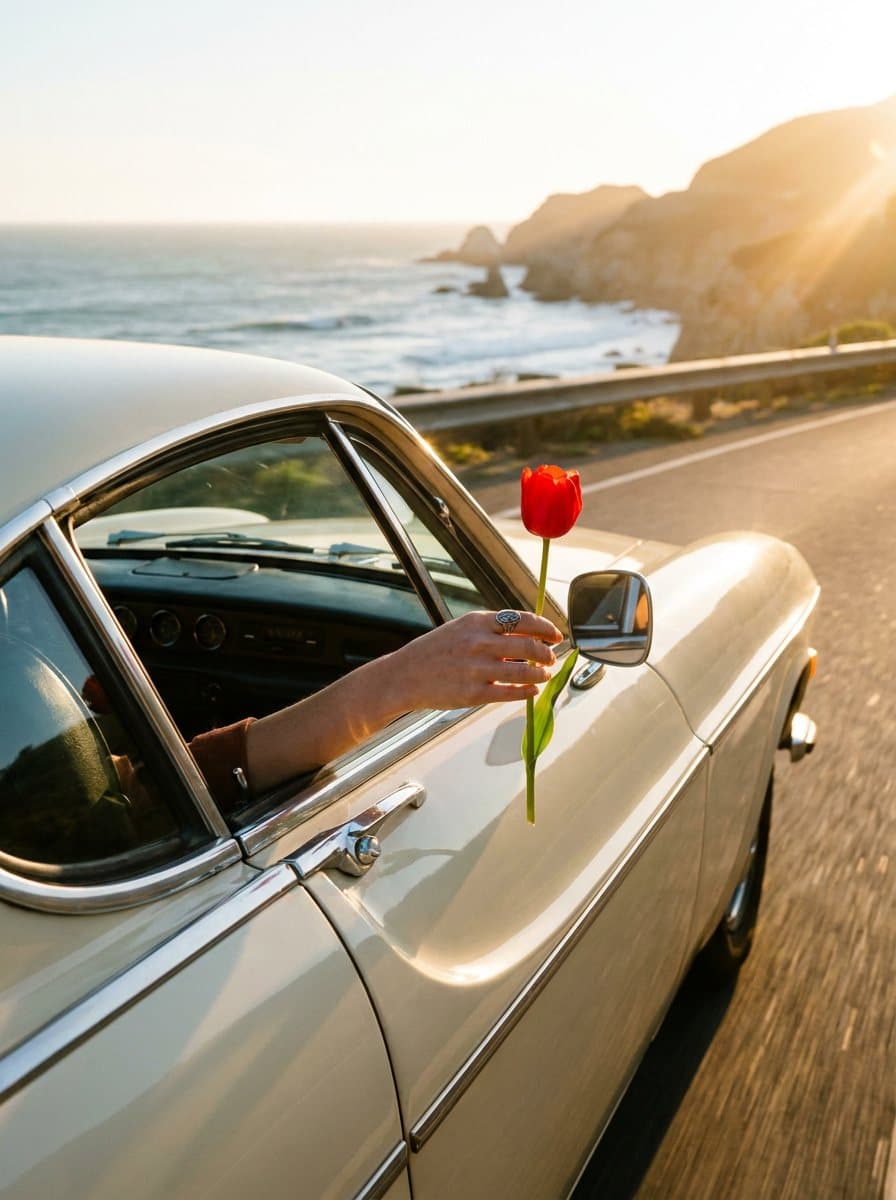
Close-up nature
Fine detail in petals, textures and color.
Pricing
Loading the plans…
Prices in the currency shown. Plans renew at the price shown until you cancel. Cancel anytime in Settings.
Frequently asked questions
What is text to image?
You write what you want to see and the model draws it.
Which model should I choose?
GPT Image 2.5 is a clean all-rounder. Seedream 4.5 is fast and photoreal. GPT Image 2 is for words inside images.
How much does an image cost?
Images start from 25 coins. Every plan adds coins each month; the pricing below shows how many.
Is my prompt kept?
Yes. The text from this page is carried into the studio.