



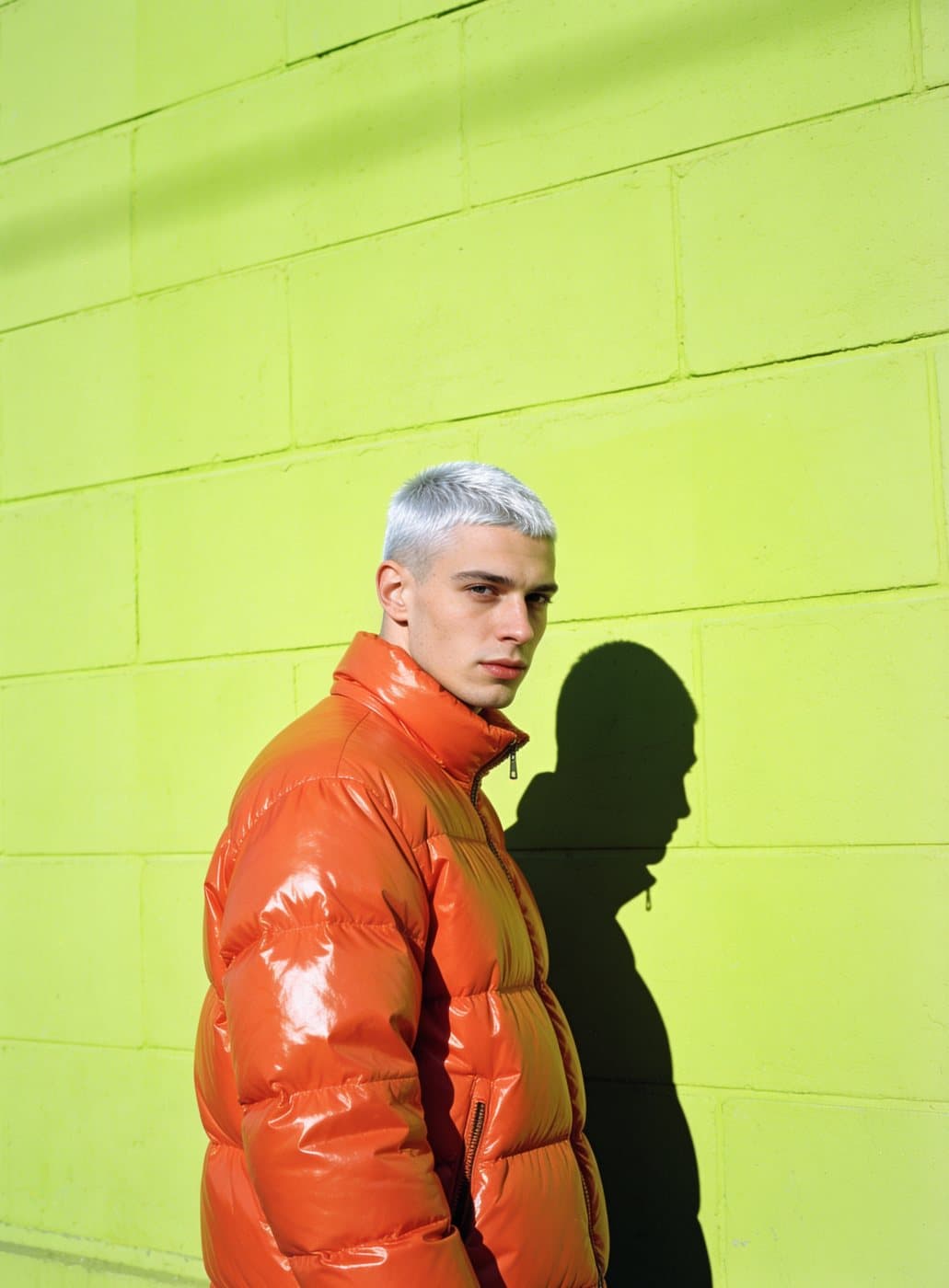






Kling 3.0 Turbo on Evili: top-tier video, with sound
One of the strongest video models today, with sound made in the same take. Start from a sentence, or bring a photo to life and its faces, products and details stay true while it moves.
Gallery
Why creators choose Kling 3.0 Turbo
Top-tier quality
Kling 3.0 is up there with the best video models on realism and motion.
Your photo stays true
Faces, logos and small details hold from the first frame to the last.
Up to 15 seconds
Long enough for a full moment, not just a twitch.
How to create with Kling 3.0 Turbo
Start creating1 Pick Kling 3.0 Turbo
Open the Video studio with Kling 3.0 Turbo already selected.
2 Write a prompt, or add a photo
Describe the scene, or choose a photo and say how it should move.
3 Make it and save it
Tap Make, watch the clip, then save it or try again.
Best for
- 01
Product ads
Turn a packshot into a moving ad.
- 02
Portraits
Make a portrait smile, turn or walk.
- 03
Old photos
Bring a family photo back to life.
Try Kling 3.0 Turbo now
Describe the video, or how your photo should move, then start in the studio.
Try Kling 3.0 TurboKling 3.0 Turbo at a glance
5, 10 or 15 seconds
Pick the length in the studio.
Words or a photo, with sound
Start from a sentence or upload one photo; every clip comes with sound.
Keeps your photo's frame
From a photo the clip follows its shape; from words pick 16:9, 9:16 or 1:1. In 720p or 1080p.
Frequently asked questions
How do I start with Kling 3.0 Turbo?
Press the button on this page. You sign in with Google. The Video studio opens with Kling 3.0 Turbo selected.
Is my prompt kept?
Yes. The text you type here is carried into the studio so you do not have to type it again.
How many coins does a video cost?
A 5-second Kling 3.0 Turbo clip is 300 coins. Every plan adds coins each month; the pricing below shows how many.
Do I need a photo?
No. Kling 3.0 Turbo makes a video from your words alone, or animates a photo you upload. For a photo, start with a sharp one.